The Complete Guide to Messaging on WhatsApp Without Saving Phone Numbers
Step by step walkthrough showing how to start instant WhatsApp conversations without cluttering your mobile contact list using official wa.me links.
The Problem with Saving Every Temporary Phone Number
Almost every smartphone user has a contact list crowded with hundreds of one time numbers. Think about the last time you bought an item on an online marketplace, coordinated a package delivery with a driver, asked a technician for a quote, or messaged a rental host. Normally, reaching them on WhatsApp takes several tedious steps:
- Open your phone dialer or contacts app.
- Create a new contact entry.
- Make up a temporary name like Delivery Driver or Sofa Seller.
- Save the contact to your phone book.
- Open WhatsApp, refresh your contact list, and search for the name.
- Open the chat window and send your message.
Beyond taking extra time, saving temporary numbers also affects your privacy. Depending on your WhatsApp privacy settings, anyone saved in your address book may automatically see your profile picture, your About bio, your status updates, and your last seen time. Unless you remember to delete those contacts afterward, strangers keep access to your profile details.
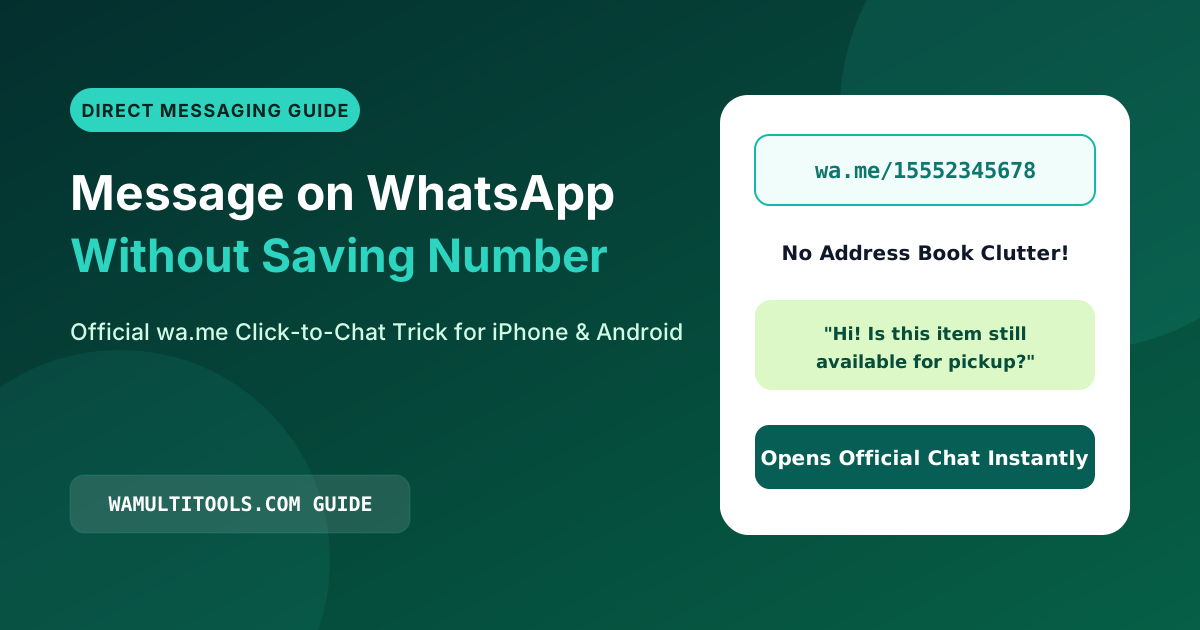
WhatsApp offers an official feature called Click to Chat that solves this. It lets you open an encrypted chat window with any active WhatsApp number worldwide without saving the number to your phone book.
How the Official wa.me Link System Works
WhatsApp runs an official short link domain at wa.me. Whenever a mobile browser or computer opens a link formatted with this address, it launches a conversation directly inside the WhatsApp app or WhatsApp Web.
The basic link structure looks like this:
https://wa.me/FullPhoneNumberHere, FullPhoneNumber is the phone number written in standard international format.
Three Formatting Rules to Follow
- Always include the country code: Every number must begin with its international dialing code, such as 1 for the United States and Canada, 44 for the United Kingdom, 91 for India, or 92 for Pakistan.
- Remove all symbols and spaces: Strip out plus signs, parentheses, dots, and spaces. Use only plain numbers.
- Remove leading local zeros: In many countries like the UK, Pakistan, India, Germany, and Australia, local numbers start with a zero when dialed inside the country. When building a wa.me link, drop that leading zero after the country code.
International Number Examples
| Country | Local Display Format | Incorrect Link | Correct Working Link |
|---|---|---|---|
| United States | (212) 555 0199 | wa.me/+1(212)5550199 | https://wa.me/12125550199 |
| United Kingdom | 07911 123456 | wa.me/4407911123456 | https://wa.me/447911123456 |
| India | 098765 43210 | wa.me/+91 98765 43210 | https://wa.me/919876543210 |
| Pakistan | 0300 1234567 | wa.me/9203001234567 | https://wa.me/923001234567 |
| Germany | 0151 23456789 | wa.me/49015123456789 | https://wa.me/4915123456789 |
| Australia | 0412 345 678 | wa.me/+61412345678 | https://wa.me/61412345678 |
Adding a Prefilled Message to Your Chat Link
You can also attach a ready made greeting to your link. When a customer or contact taps the link, their WhatsApp chat box opens with your message already typed out so they only have to press send.
To add a prefilled message, add ?text= to the end of the phone number, followed by URL encoded text where spaces are replaced with %20.
https://wa.me/447911123456?text=Hello%20I%20would%20like%20to%20check%20availability%20for%20order%201042Instead of typing percent codes by hand, you can enter any phone number and custom message into our free WhatsApp Link Generator. It cleans the number, encodes your message, and gives you a working link and QR code in one click.
Everyday Ways to Use Direct WhatsApp Links
1. Social Media Profile Bio Links
If you run an Instagram shop, TikTok page, or Facebook store, placing a direct WhatsApp link in your bio lets buyers ask questions about sizing, pricing, or delivery right away without filling out slow web forms.
2. Website Customer Support Buttons
Email forms often go unanswered for hours. Adding a direct chat button on your website or checkout page lets visitors ask quick questions right when they are ready to buy.
3. Messaging Yourself for Quick Notes
You can also create a wa.me link with your own phone number. Opening that link starts a private chat with yourself, which is handy for saving links, voice notes, checklists, and photos between your phone and computer.
Frequently Asked Questions
Is using wa.me links safe and private?
Yes. The wa.me domain is owned and operated directly by WhatsApp and Meta. Your messages go straight into the official WhatsApp app with standard end to end encryption.
Will the other person know I did not save their contact?
No. They receive your message just like any normal WhatsApp chat, showing your phone number and WhatsApp display name at the top of the screen.
Can I clean messy phone numbers automatically?
Yes. If you have phone numbers copied from websites or spreadsheets with spaces and brackets, paste them into our Phone Number Formatter to get a clean WhatsApp ready number immediately.
We test every WhatsApp formatting method, Unicode style, and link structure across Android, iOS, and WhatsApp Web so you can use them safely without installing third party apps.