How to Add a Floating WhatsApp Chat Widget to Any Website for Free (HTML, WordPress & Shopify)
Learn how to embed a fast, lightweight floating WhatsApp click-to-chat widget on WordPress, Shopify, Webflow, or custom HTML sites without monthly plugin fees or slow scripts.
Why Standard Website Live Chat Boxes Lose Half Your Visitors
If you have ever installed a traditional live chat box on a small business website, you probably noticed an annoying pattern. A visitor opens your site on their phone, types a question into the chat box, waits ninety seconds while you are busy on another call, and then closes their browser tab.
When you finally type your reply five minutes later, nobody is there to read it. Because traditional web chat lives inside a temporary browser tab, closing the tab kills the conversation.
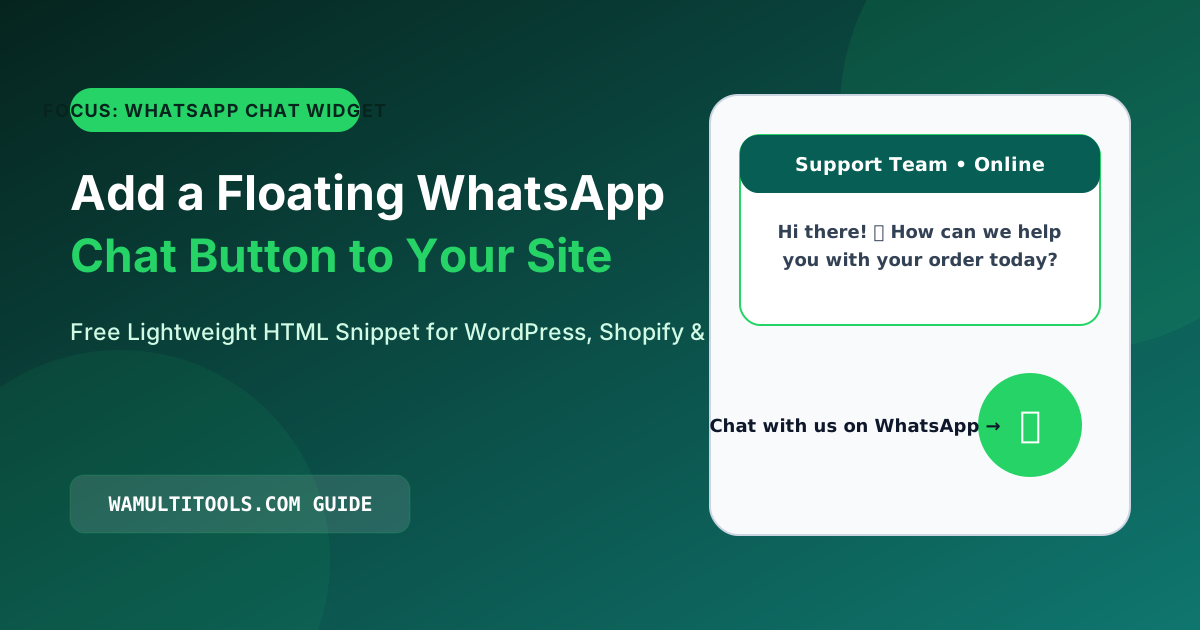
Adding a whatsapp chat widget for website visitors solves that problem completely. When a buyer taps your floating green button, the conversation opens straight inside their WhatsApp app. Even if they lock their phone and walk away from your website, your reply buzzes right in their pocket like a normal text message.
Why Lightweight HTML Beats Heavy WordPress Chat Plugins
Most third-party chat plugins do two things that hurt small websites:
- They load external JavaScript files from their own servers on every single page view, which slows down your mobile loading speed and lowers your Google PageSpeed scores.
- They put a monthly cap on how many visitors can see the button before charging you a subscription fee.
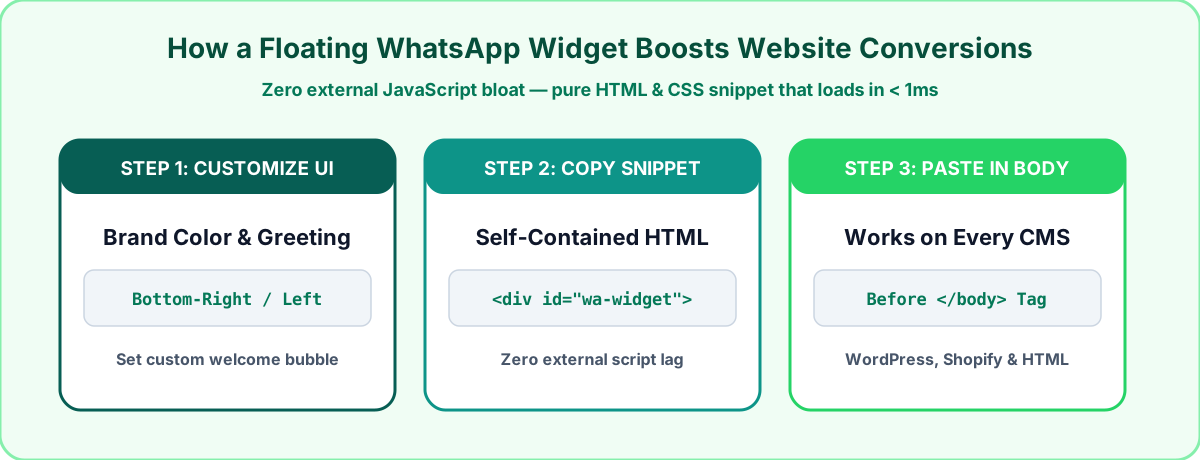
When we built the WhatsApp Callbell Widget Generator, we designed it to output a clean, self-contained HTML and CSS snippet. There is no external JavaScript library to fetch, no account to register, and no limit on how many visitors click your button.
Step by Step: Build Your Custom Floating Chat Button
You can customize the colors, position, and welcome bubble in about two minutes:
- Open our free WhatsApp Callbell Widget Generator.
- Select your country code and enter your active WhatsApp or WhatsApp Business number.
- Fill in your widget header title (for example, Customer Support or your first name), your reply status note (such as Typically replies in 5 minutes), and a friendly greeting message.
- Choose whether you want the floating button pinned to the Bottom Right or Bottom Left corner of the screen.
- Click Copy HTML Snippet to copy the ready-to-paste code.
How to Paste the Widget Code Into WordPress, Shopify, or HTML
1. Custom HTML, PHP, or Static Websites
Open your main footer or layout file (such as index.html or footer.php), scroll down to the closing </body> tag, and paste the snippet right above it. Save the file and refresh your browser to test the button.
2. WordPress Websites (Without Installing a Heavy Plugin)
In your WordPress dashboard, go to Appearance and click Widgets (or open your theme's Custom Footer Code setting). Add a Custom HTML block to your footer area, paste the code from our WhatsApp Callbell Widget Generator, and save your changes.
3. Shopify Online Stores
In your Shopify Admin, click Online Store and select Themes. Click the three dots button next to your current theme and choose Edit code. Open the theme.liquid file, scroll to the very bottom, paste the widget code right before the closing </body> tag, and click Save.
Four Practical Placement Tips We Learned from Testing
| Placement Detail | What We Recommend | Why It Matters on Mobile |
|---|---|---|
| Bottom Margin Offset | Leave 24px to 70px from the bottom | Prevents the chat button from covering sticky Add to Cart bars |
| Agent Header Name | Use a real name like Sarah at Support | Visitors trust a real person more than a generic department label |
| Pre-Filled First Line | Include a short page greeting | Tells you right away that the message came from your website |
| Reply Time Note | State your real working hours | Sets honest expectations when people message late at night |
Frequently Asked Questions
Will this WhatsApp chat widget slow down my website or hurt SEO?
No. Because the snippet generated by our WhatsApp Callbell Widget Generator is pure inline HTML and CSS with zero external script downloads, it loads instantaneously and causes zero layout shift.
What happens when someone clicks the widget on a desktop computer?
On a laptop or desktop monitor, clicking the floating button opens WhatsApp Web or the WhatsApp Desktop app. On an iPhone or Android phone, it launches the WhatsApp mobile app directly.
Can I just use a simple text link or button instead of a floating widget?
Yes. If you already have your own contact button designed in Elementor, Webflow, or Shopify, just generate a plain URL using our WhatsApp Link Generator and paste that URL into your button's link field.
We test every WhatsApp formatting method, Unicode style, and link structure across Android, iOS, and WhatsApp Web so you can use them safely without installing third party apps.