How to Add International Phone Numbers on WhatsApp: E.164 Country Code Formatting Guide
Trouble adding a foreign contact on WhatsApp? Learn the official ITU-T E.164 international phone number format, when to drop leading trunk zeros, and how to look up 200+ country codes.
Why Foreign Contacts Often Fail to Show Up in WhatsApp
Almost everyone who works with overseas clients or travels abroad has run into this headache. Someone gives you their mobile number, you save it into your phone contacts, you open WhatsApp to message them, and WhatsApp says the number is not registered on WhatsApp.
Nine times out of ten, their account is completely active. The problem is that your phone saved their number with a local dialing zero or an old landline exit code instead of the international phone number format whatsapp uses to match accounts across countries.
Once you understand how country prefixes and leading zeros work under the international E.164 standard, you can fix any foreign number in five seconds.
The Three Rules for Saving Any International Number on WhatsApp
Whether you are adding a contact inside your iPhone or Android address book or building a direct chat link, follow these three steps:
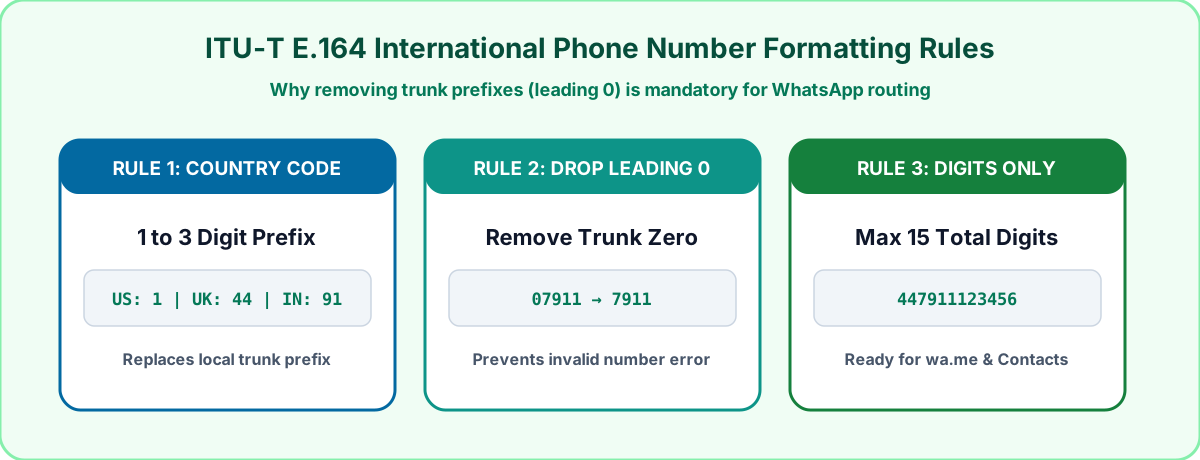
1. Start with a Plus Sign and the Country Dial Code
When saving a contact in your phone book, always type the plus sign (+) first, followed immediately by the 1 to 3 digit country code. For example, the United States and Canada use +1, the United Kingdom uses +44, India uses +91, Pakistan uses +92, and Australia uses +61.
If you are not sure which prefix belongs to a country, you can search over 200 countries by name or flag inside our Country Code Finder.
2. Remove the Leading Local Zero After the Country Code
This is the exact mistake that trips most people up. In countries like the UK, Pakistan, India, Germany, Australia, and the UAE, people always write a 0 at the beginning of a mobile number when calling someone inside the same country (for example, 07911 123456 in the UK or 0300 1234567 in Pakistan).
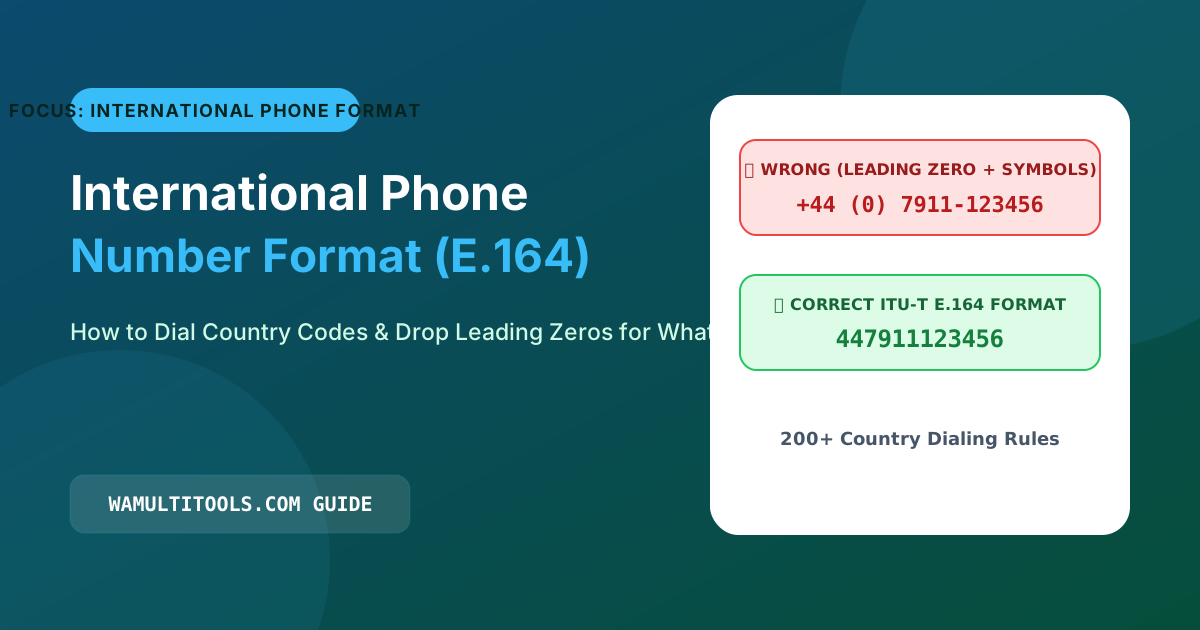
That first zero is a domestic trunk prefix. As soon as you put a country code like +44 or +92 in front of the number, you must delete that leading zero:
- Wrong format:
+44 07911 123456(WhatsApp will not recognize this number) - Correct format:
+44 7911 123456(Connects to WhatsApp right away)
3. Replace 00 or 011 Exit Codes with the Plus Sign
On old office landlines, callers dialed 011 from North America or 00 from Europe before dialing an international number. Mobile networks and WhatsApp prefer the universal + sign. On any smartphone keypad, just press and hold the 0 key for one second and a + symbol will appear.
International WhatsApp Number Formatting Reference Table
Here is how everyday local numbers convert into the exact international phone number format whatsapp expects across twelve major countries:
| Country Name | Country Code | How Locals Write It | Correct Format for Phone Contacts | Correct Format for wa.me Links |
|---|---|---|---|---|
| United States | +1 | (415) 555-2671 | +14155552671 | 14155552671 |
| United Kingdom | +44 | 07911 123456 | +447911123456 | 447911123456 |
| Canada | +1 | (416) 555-0192 | +14165550192 | 14165550192 |
| Australia | +61 | 0412 345 678 | +61412345678 | 61412345678 |
| India | +91 | 098765 43210 | +919876543210 | 919876543210 |
| Pakistan | +92 | 0300 1234567 | +923001234567 | 923001234567 |
| Germany | +49 | 01512 3456789 | +4915123456789 | 4915123456789 |
| United Arab Emirates | +971 | 050 123 4567 | +971501234567 | 971501234567 |
| Saudi Arabia | +966 | 050 123 4567 | +966501234567 | 966501234567 |
| Brazil | +55 | (11) 98765-4321 | +5511987654321 | 5511987654321 |
| Mexico | +52 | 55 1234 5678 | +525512345678 | 525512345678 |
| South Africa | +27 | 082 123 4567 | +27821234567 | 27821234567 |
How to Clean and Check Foreign Numbers Automatically
If you copy phone numbers out of emails, invoices, or spreadsheets that are full of brackets, dashes, and local zeros, you do not have to edit them by hand:
- Paste the messy number into our Phone Number Formatter and select the country to strip out invalid zeros and punctuation automatically.
- If you want to verify whether a number has the right digit length for its country before messaging, run it through our WhatsApp Number Validator.
Frequently Asked Questions
I fixed the country code and removed the zero, so why is the contact still missing in WhatsApp?
Sometimes WhatsApp caches your old contact list. On Android, open WhatsApp, tap the green New Chat button in the bottom corner, tap the three dots at the top right, and tap Refresh. On iPhone, pull down on your Chats list or restart the app so it re-reads your updated address book.
Do I need the plus sign when creating a wa.me link?
Save the + sign when adding someone to your phone's Contacts app (like +447911123456), but leave the + sign out when putting a number inside a web link (like https://wa.me/447911123456).
We test every WhatsApp formatting method, Unicode style, and link structure across Android, iOS, and WhatsApp Web so you can use them safely without installing third party apps.